Intro to Circuits & Arduino
Seven months of simulate-first circuit projects for the Exelon Summer Institute, so every incoming Illinois Tech freshman had a next build that matched their pace and interests.
- Year
- Summer 2025
- Role
- Instructor
- Audience
- Incoming Illinois Tech freshmen
- Tools
- Tinkercad Circuits, Arduino UNO, Arduino IDE, Serial Monitor
01 The Context
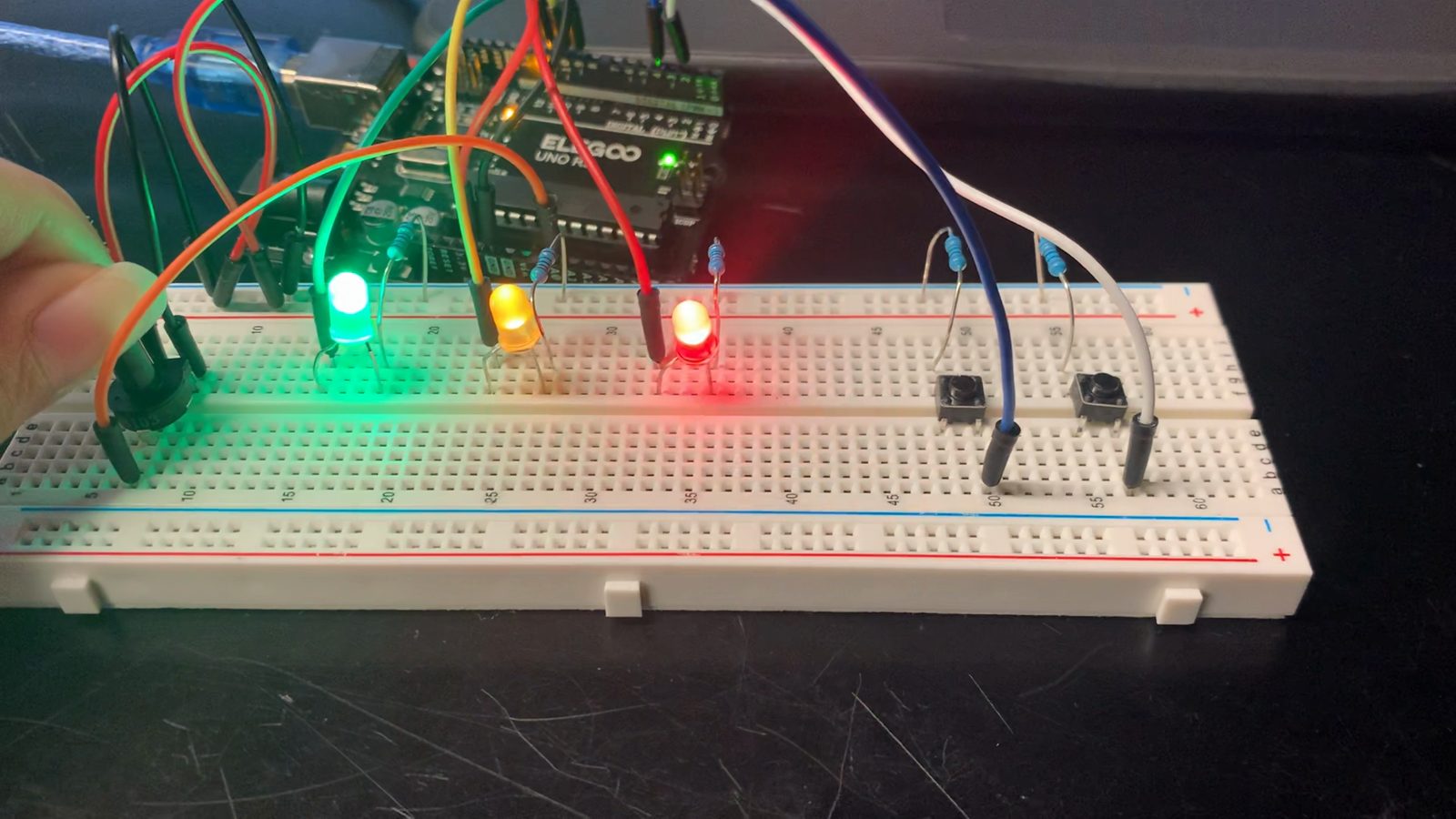
The Exelon Summer Institute runs for four weeks every summer for incoming Illinois Tech freshmen. Students arrive with very different experience and interests: some have never touched a breadboard, others are ready for motors and sensors in week one. So I built more than seven months of circuit projects, from lighting a single LED to a model elevator. Everyone works through the core lessons, and students who move faster always have a more advanced project waiting in the area they care about. Every circuit starts in Tinkercad: students design and simulate it there before wiring it on a breadboard.
02 My Approach
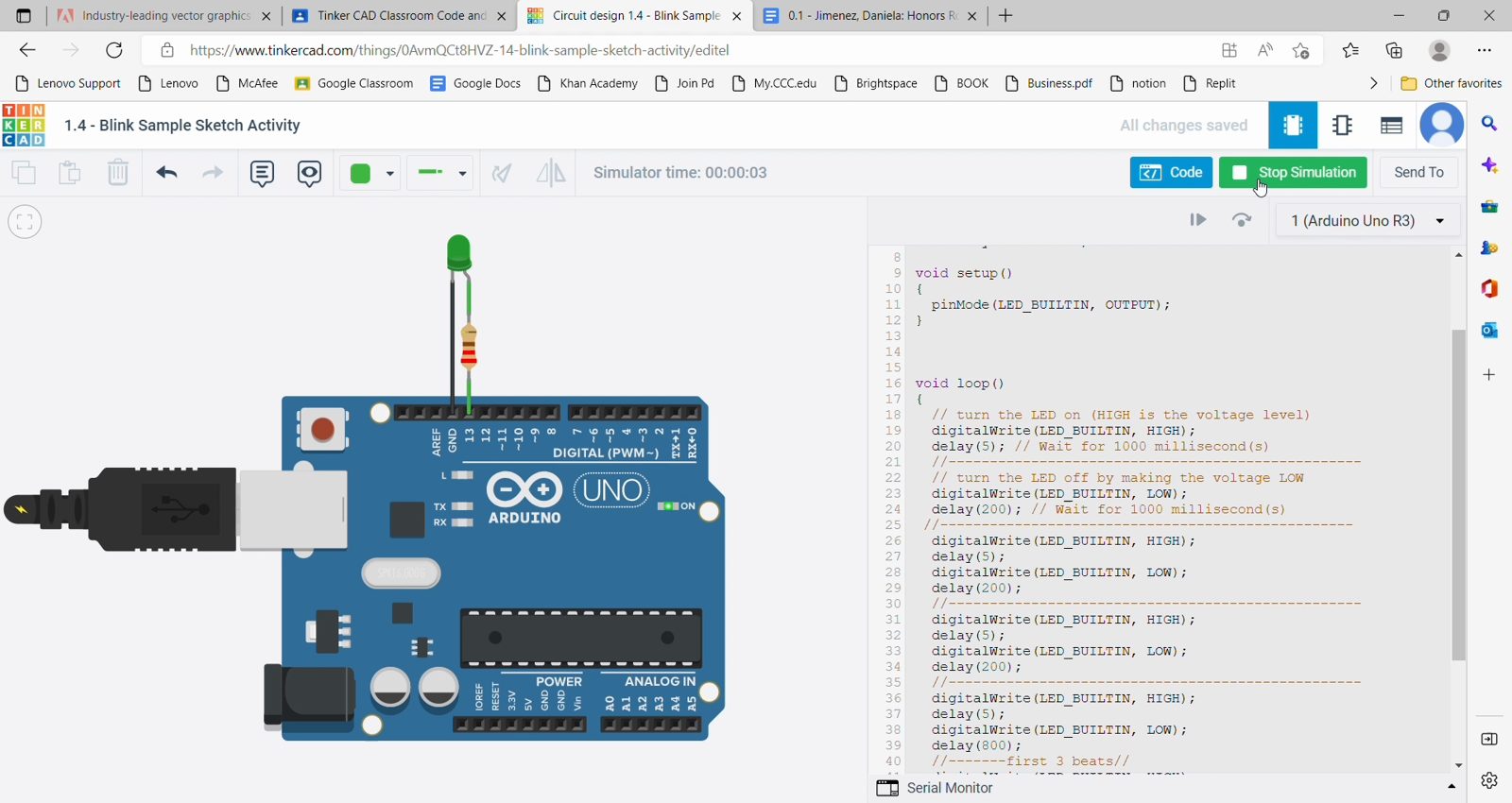
Simulate before you build. A mistake in Tinkercad costs nothing, so students arrive at the breadboard already knowing what should happen.
Change one thing at a time. Each lesson adds one new part to a circuit students already understand: LEDs, then buttons, then a knob.
Make the invisible visible. Current and code can't be seen, so we print what the board is reading to the Serial Monitor and watch the numbers move.
Always have a next build. The program is four weeks, but the material runs seven months deep. A student who finishes early picks the next project in their interest instead of waiting.
03 The Lessons
7 lessons, one new idea each. Pick one.
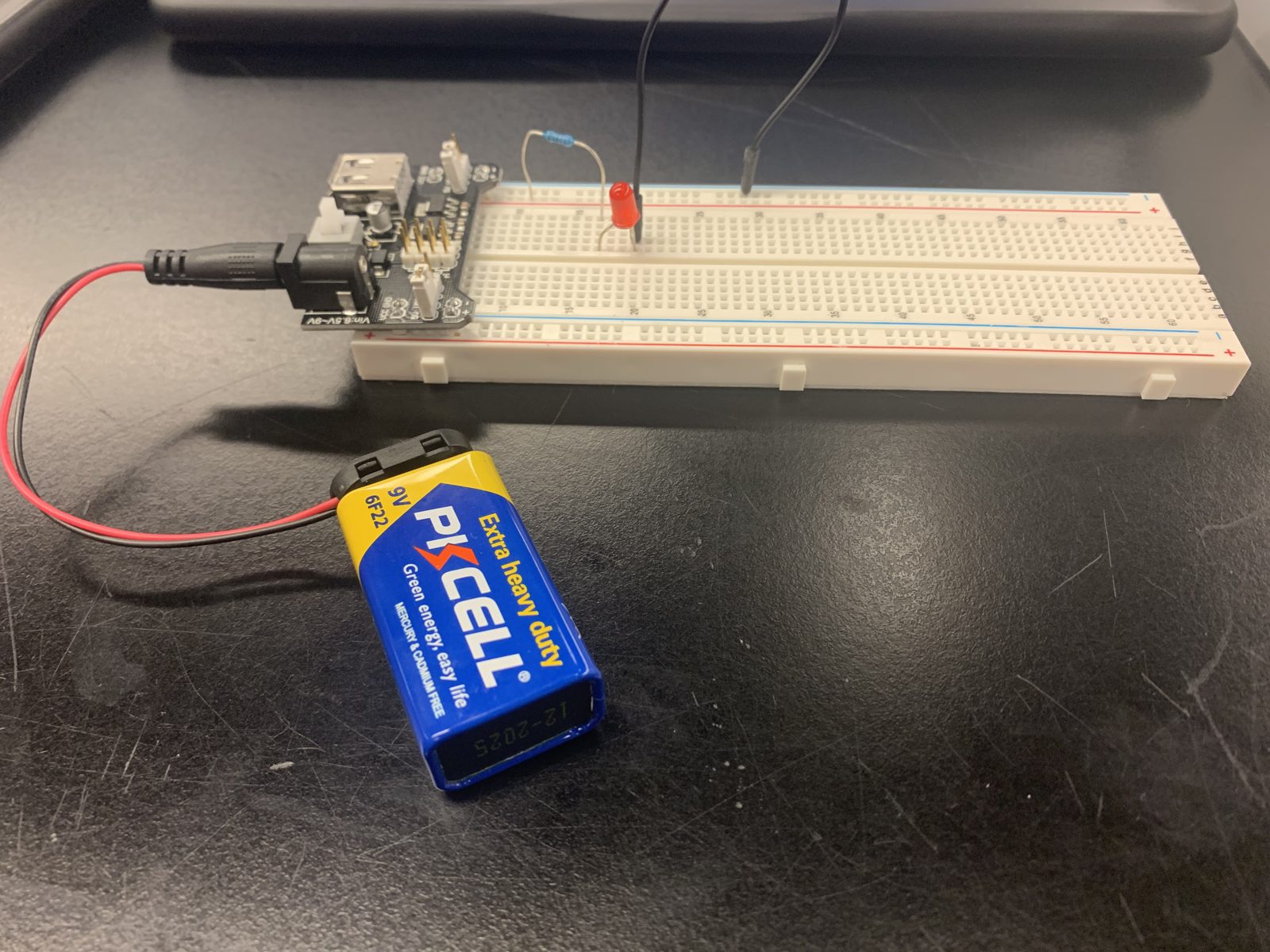
Lesson 01 · Day 1
What is a circuit?
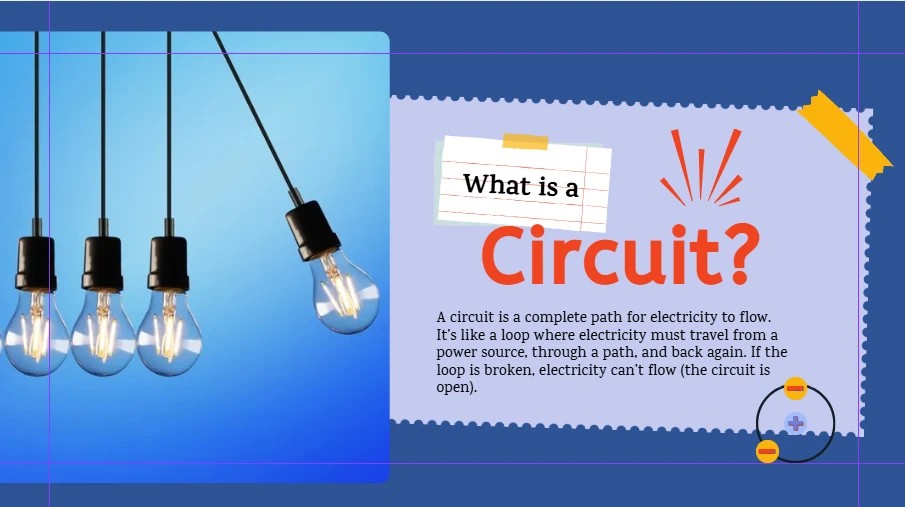
Every student started from the same place, whatever their experience. A circuit is a complete path for electricity: from a power source, through a path, and back again. If the loop is broken, nothing flows. Before any code, students proved it with a single red LED on a 9V battery and a breadboard.
- Closed circuits
- LED polarity
A source, a load and a path back: that's all a circuit is.
04 The Outcome
More than seven months of projects for a four-week program, documented in over 170 photos and videos. The lessons above are the core path; the builds below are where faster students went next, ending with a model elevator that combined buttons, a motor driver and a distance sensor in one structure.
Also built along the way
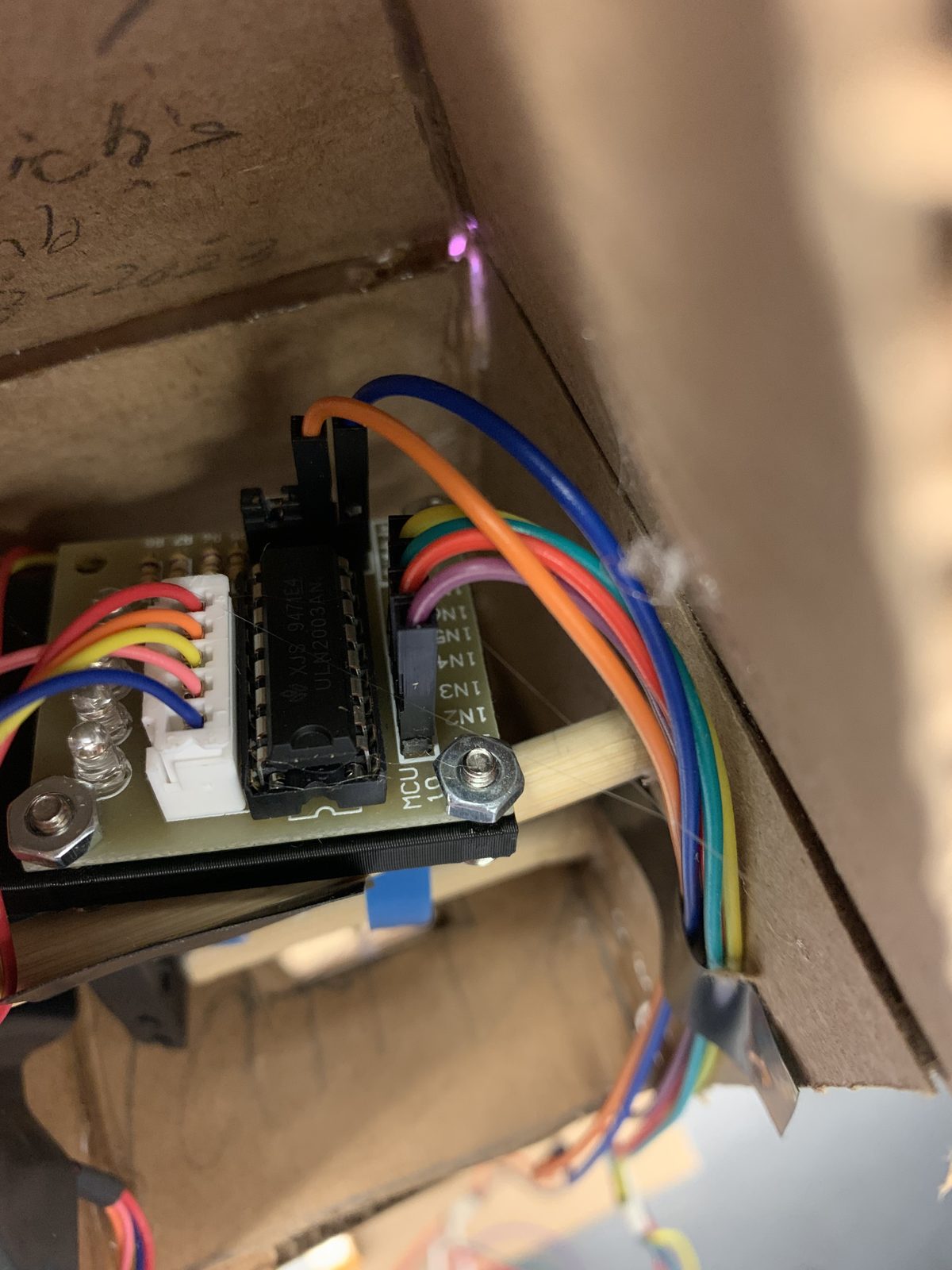
Elevator motor driver
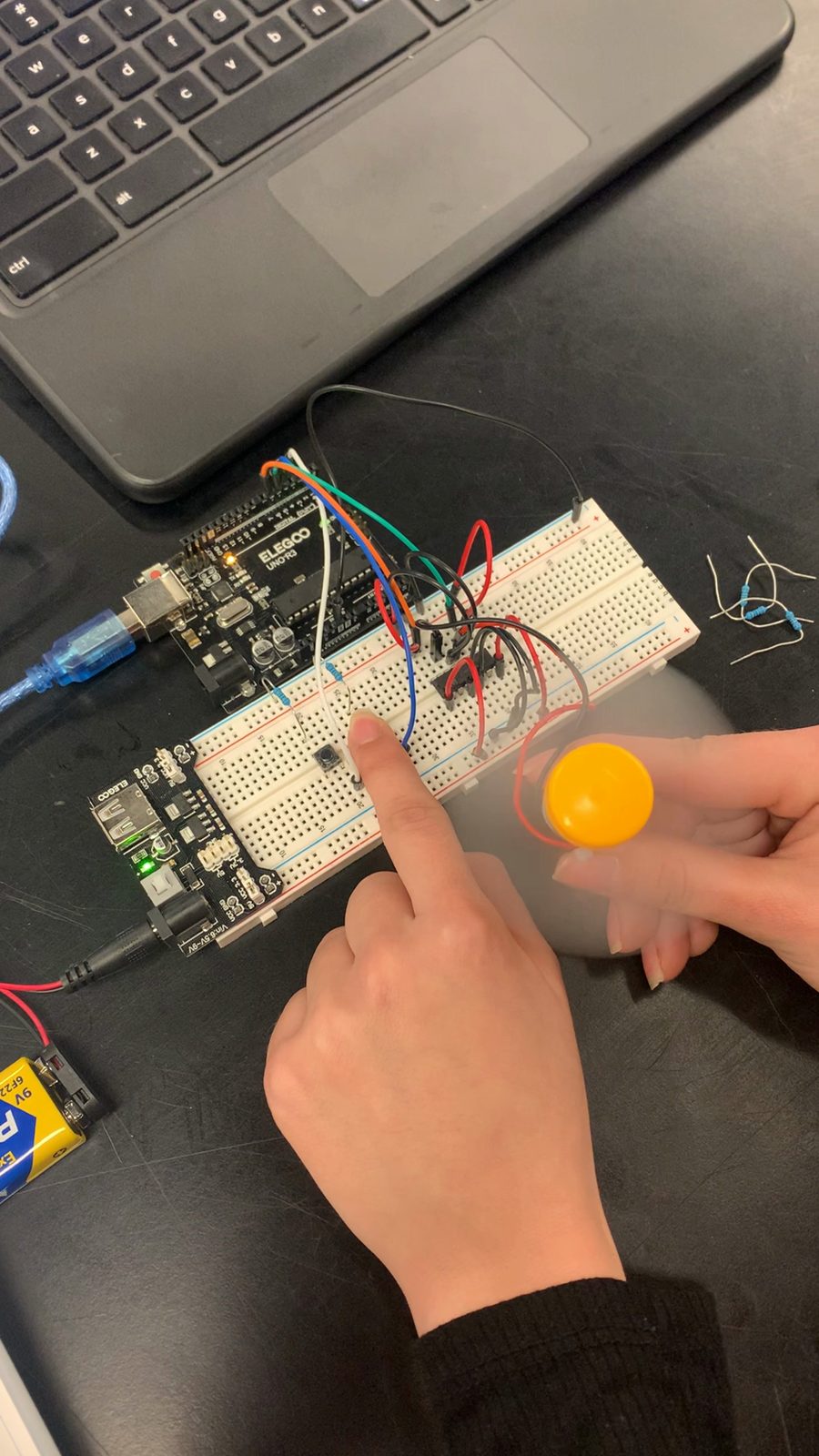
DC motor fan
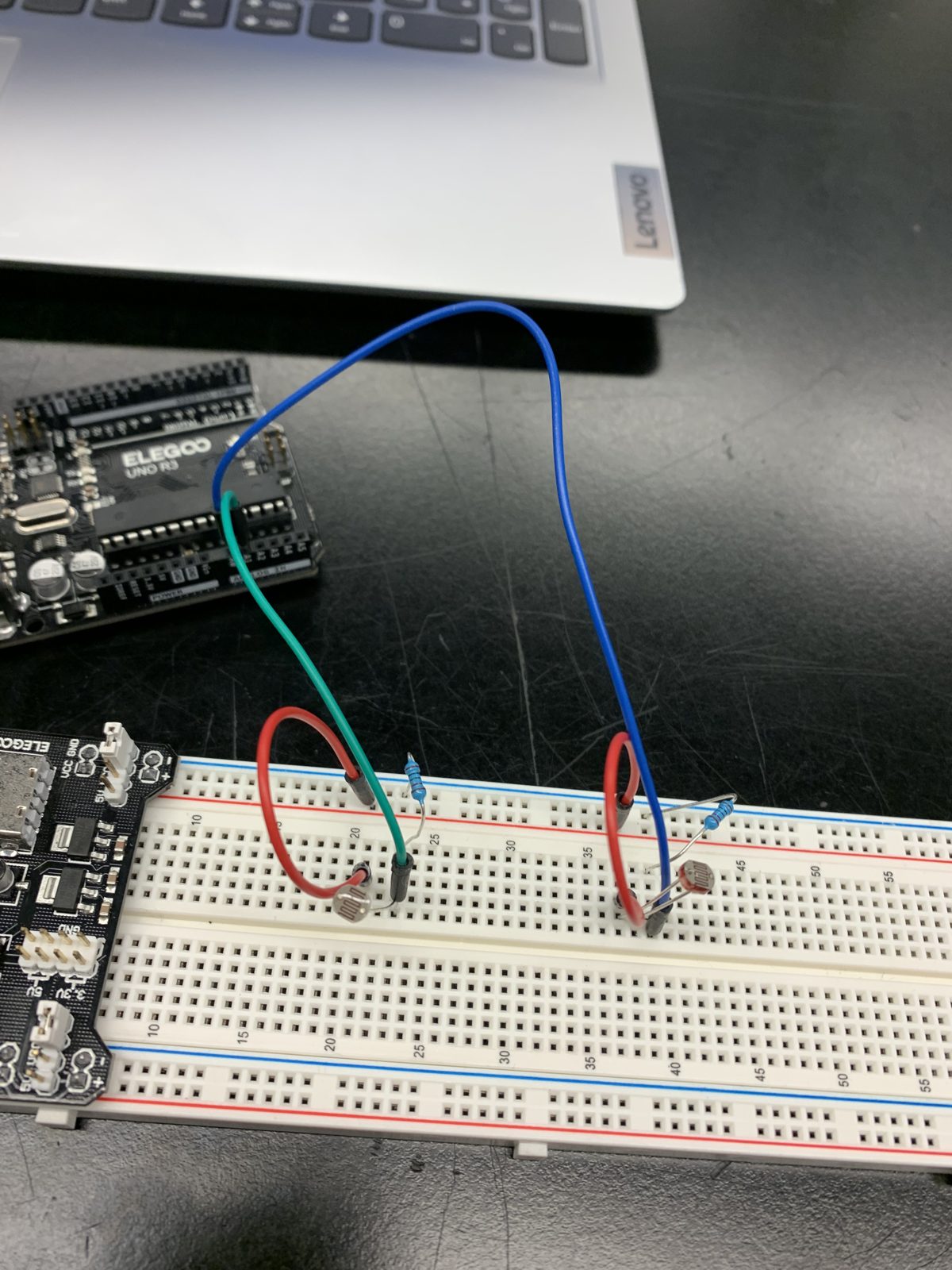
Photoresistors
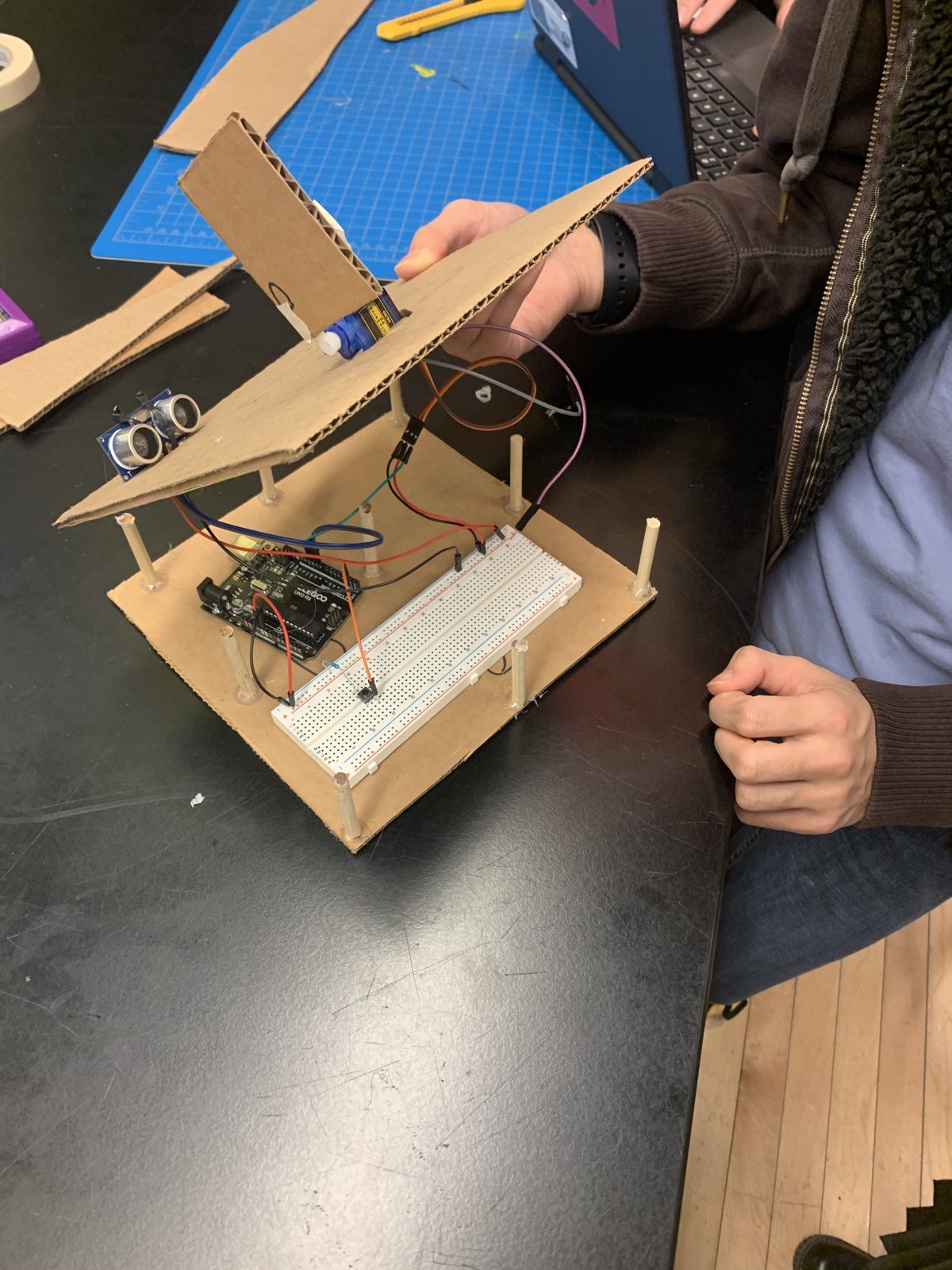
Elevator build
What I'd change: I photographed every build but didn't always film the finished result. The elevator was never captured running. Next time, I'd end every lesson with a ten-second clip of the circuit working.